
Listener account or artist workspace?
A personal Spotify account is used for listening. Spotify for Artists supports work on an artist profile, releases and audience. Creating a listener account does not grant control of an artist. Find the exact link first: identical names need not identify the same musician.
SnapSong explains the procedure. It does not ask for your password, accept identity documents for Spotify or claim a profile on your behalf. Carry out account actions on Spotify's own service and only with the appropriate authority.
One profile, two access routes
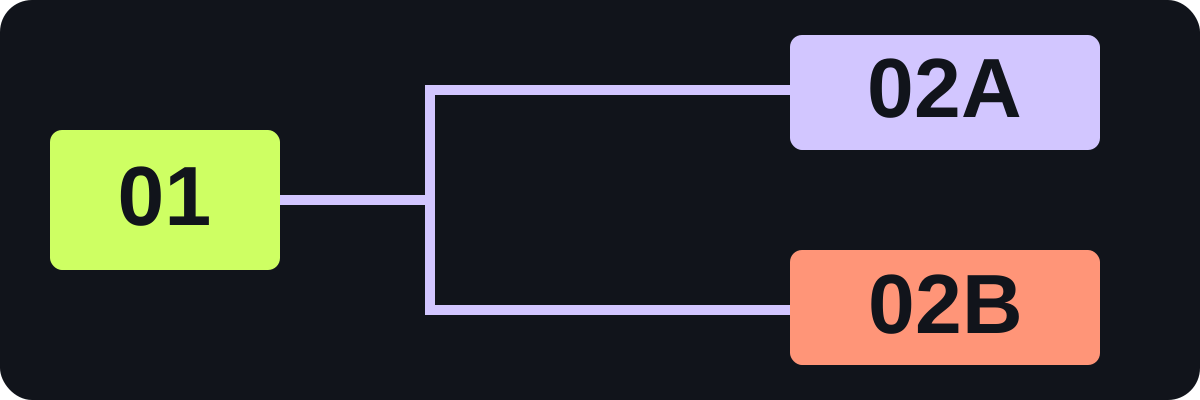
Keep the link or URI for the artist you manage.
Ask its Team Admin for an invitation.
Use the official request and verify your connection.
Prepare before requesting access
- The artist link or URI and one example of the correct release.
- A website or social channel that supports your connection to the artist.
- The existing administrator's contact, if a team already exists.
- Your working role: reading data, editing or managing access.
- An internal note identifying who owns the request and invitations.
Do not send passwords, tokens or a complete identity-document package to an arbitrary address. Follow verification requests within Spotify. The supporting links must identify the right artist, not merely a similar name.
Choose the access route
- If a team already manages the profile, ask its Team Admin to invite you.
- For a new claim, use the official access request and provide the supporting links it requires.
- If a claim is pending, check its status with colleagues before trying duplicate requests.
- Before a first release, obtain the artist link or URI from the label or distributor and follow Spotify's route for that situation.
- For a label catalog, use the label-team route rather than another person's listener profile.
Approval depends on Spotify's review. There is no universal approval time or automatic outcome promised here. If an existing administrator cannot be reached, use the official support route.
Give people appropriate permissions
| Work | Check in the official permissions table |
|---|---|
| Read music and audience statistics | Reader capabilities |
| Maintain profile and release content | Editor and Admin capabilities |
| Invite people or change their access | Additional Team Admin powers |
Current documentation distinguishes team administration from an application's access level. Team settings are managed through Spotify Manage. Read the current table before granting maximum permissions by habit.
A small-team example
The musician verifies the profile, a manager maintains information and an analyst reads statistics. Their register records the profile, person, task, assigned access and review date. Reading data does not automatically require the analyst to manage every team invitation.
This is an allocation example, not a real team or a guaranteed claim outcome. When a person leaves or changes duties, review responsibilities and permissions, then update the register.
When access goes wrong
Check the login account, artist link and team named in the invitation. If releases from similarly named artists are mixed, use the official metadata-support route. If a role cannot perform an action, ask the administrator to check access; do not share one password between colleagues.
The useful outcome is the correct profile, understood permissions and an accountable access owner. Review release data after that foundation is in place.
Sources and useful next steps
Source documentation checked 17 October 2026. Calculations and worksheets are explanatory examples, not reported artist results.