
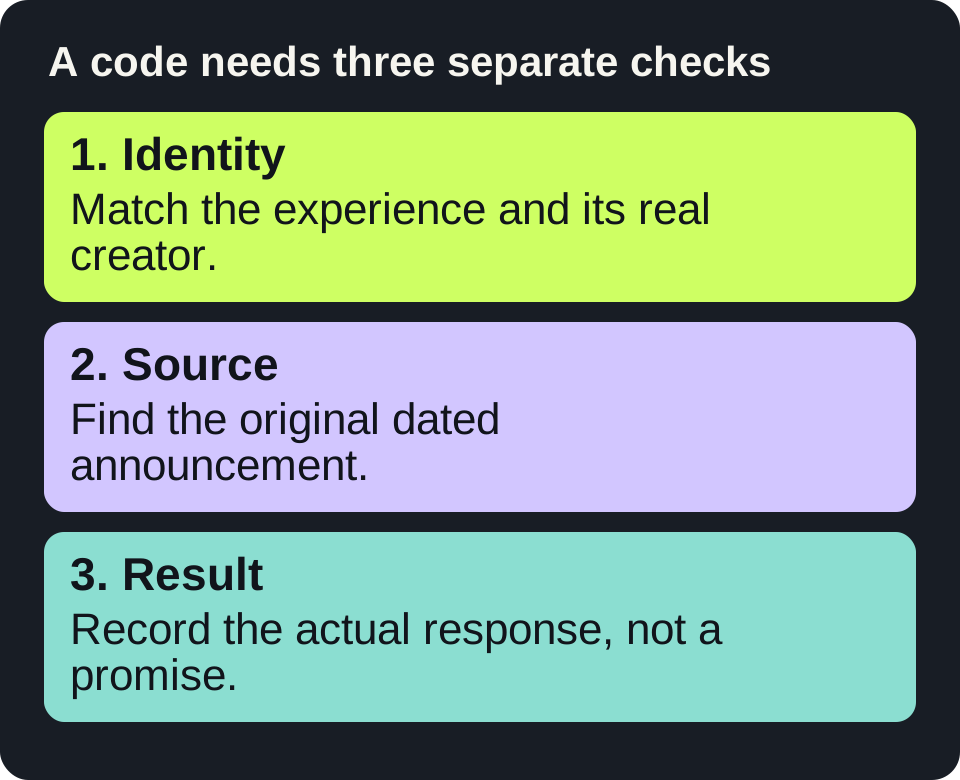
Read the diagram as text
- Identity: Match the experience and its real creator.
- Source: Find the original dated announcement.
- Result: Record the actual response, not a promise.
Identify the actual experience first
Start with the Basketball: Zero experience page on Roblox. The page checked for this guide identifies its creator as Current. The name alone is not enough to distinguish a real experience from a copy, a guide or a page advertising rewards.
The official description presents a fast-paced 5v5 basketball game with character abilities. Check the current experience description before choosing a game or following a reward offer. A video title, an old screenshot or a copied list does not establish that a reward is currently available.
There is no verified active-code list in this guide
We have not verified a currently redeemable Basketball Zero code in the running experience. No string below is presented as active, and there is no promise of currency, spins, cosmetics or attribute boosts. This page gives you a repeatable checking method rather than a list whose validity cannot be demonstrated.
Three things need separate evidence: that an announcement came from the developer, that it names this experience and that the reward is still redeemable for your account. An authentic announcement from an earlier update can satisfy the first two checks while failing the third.
A source-to-redemption checklist
- Open the experience page. Confirm the creator and experience identity before following any associated announcement channel.
- Find the original announcement. Prefer a channel linked by the creator or experience itself. Record its URL, publication date and exact wording about eligibility or expiry.
- Identify the kind of code. A reward specific to an experience is not automatically a Roblox gift-card, toy or platform promotional code. Use only the route documented by the relevant issuer.
- Read the current in-experience instructions. Menus can change. This guide has not logged into Roblox or verified a current menu, so it does not invent a button location.
- Record the actual result. Success, already claimed, expired, invalid and connection errors are different observations. Keep the displayed message rather than guessing which one occurred.
Use this verification record
| Field | What to save |
|---|---|
| Experience identity | Exact Roblox page and creator shown there. |
| Announcement | Original post URL and its real publication date. |
| Offer scope | Named experience, stated reward, requirements and expiry if supplied. |
| Observation | Date you checked and exact response shown in the experience. |
| Status | Unverified / source confirmed / successfully redeemed by you / not redeemable. |
Keep any real code string in your own record if you need it. This site does not need your account login, cookie, security code or session data to explain the process.
Worked example: an old screenshot is not a current reward
You find a screenshot of a reward announcement copied into a recent article. The screenshot has no original link and does not show a date. Mark it unverified. Locate the originating announcement through the experience or creator, compare its wording and date, and check any eligibility conditions. If the original cannot be located, leave the status unverified; a recent date on the copying article does not repair the missing evidence.
Now suppose you find the original announcement, but its stated event has ended. Mark the source authentic and the event ended. Do not describe the reward as active merely because a code-shaped string is still visible.
What to do with an error
- Invalid: compare the exact spelling with the original announcement. Do not substitute invented variants.
- Expired or already claimed: retain that status; refreshing a list of codes does not change account eligibility.
- Requirements not met: use only requirements stated by the issuer. Do not buy items or join unrelated services on the basis of a copied guide.
- Connection error: distinguish inability to contact the experience from rejection of a code.
- A site asks for a password, browser cookie or verification payment: stop. A guide cannot establish the legitimacy of that request.
Learn the controls independently of rewards
You do not need an advertised reward to read the game instructions. The official experience description checked for this guide lists mouse actions for shooting and passing, Q for dribbling and Space for a layup or dunk. Read the current description before play because controls and supported devices can change. This is a description check, not a test of live gameplay.
For a browser basketball guide with a different game identity, use the game-guide collection. Do not assume a guide for Basketball Stars, a browser arcade title and Basketball Zero on Roblox describes the same product.
Sources and scope
Source pages checked on 17 October 2026. Menus, availability and rules can change. This guide does not claim that SnapSong operates these external platforms.